



该 首个浏览器 与 正念 从本质上说


休息一下
通过各种时长不等的引导式练习,让身心得到放松。选择温和或强烈的提醒,促使您适时休息。


智能锻炼
通过这些能提升柔韧性的平衡练习,重新与身体建立联系。打开相机,即可查看实时引导您的3D模型。


引导冥想
停下脚步,深呼吸,重新回归当下。无论何时需要,独特的嗓音都将引领你进入属于自己的宁静祥和之境。
增强
通过双耳节拍和声音刺激产生不同的脑波,从而激发创造力、缓解压力、保持专注,以及带来更多益处。
放松一下,与 Opera Air

更多精彩功能 Opera Air


空中壁纸
沉浸于精美的动画与舒缓的画面之中。Air 独特的壁纸为您打造一个宁静的浏览空间。


Air UI
借助 Air 的自适应界面,营造一个令人放松的环境。它通透简洁,能与您的壁纸和主题完美融合。


灵感
每天在首页上浏览那些巧妙呈现的睿智箴言,从中汲取灵感。保持动力,并将这些鼓舞人心的名言分享给你的朋友。
恢复平衡 Opera Air
制作花絮 Opera Air
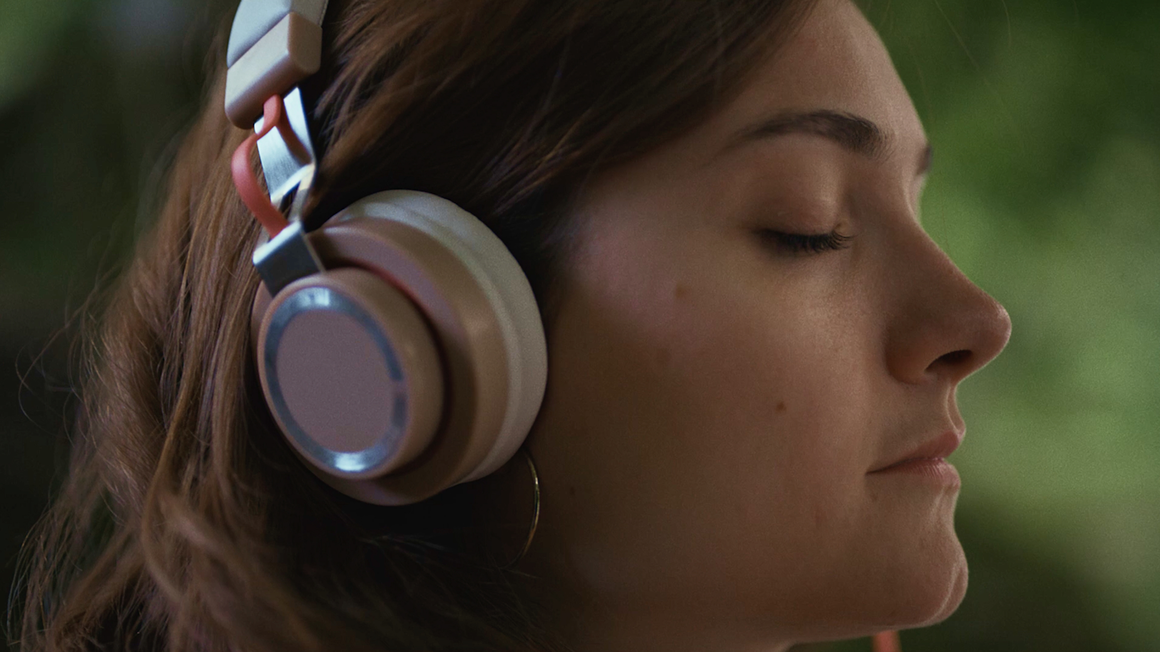
带您一探《Opera Air》的幕后制作过程,该作品的灵感源自关于大脑如何达到平静与专注状态的科学原理。


Opera Air 常见问题解答
什么是 Opera Air?
Opera Air 是一款以正念为核心理念的全新浏览器,它通过减少干扰、帮助您集中注意力,满足我们快节奏生活的需求。该浏览器集成了多种有助于放松身心、提升幸福感的功能,例如冥想和呼吸练习、双耳节拍以及颈部拉伸。
Opera Air 基于久经考验的方法开发而成,旨在营造一种既能提升工作效率和创造力,又能促进心理健康,并带来更平静、更专注的浏览体验的环境。
Opera Air 的使命是什么?
Opera Air 的使命是通过将日常浏览转变为一种强大的工具,帮助人们缓解压力、提升专注力,从而让人们感觉更好。
Opera Air 是免费的吗?
是的,Opera Air 完全免费下载和使用。
Opera Air 是否内置了广告拦截功能?
Yes, Opera Air features a built-in Ad Blocker for fast and focused browsing, helping eliminate distractions and minimize stress. To activate the free Ad Blocker, just click on Easy Setup to the right of the address bar, and toggle on Block ads
Opera Air 包含哪些标签页功能?
如何在 Opera Air 中设置和自定义壁纸?
Click the icon to the right of the address bar. This will take you to Easy Setup, a panel which includes wallpaper and other UI settings. There you can select one of the preset animated or static Opera Air wallpapers, add your own, or choose not to show a wallpaper at all.
您也可以右键单击当前的桌面壁纸,然后选择“更改壁纸”。
如何自定义和分享语录?
每日励志名言会显示在您的首页底部。当您将鼠标悬停在名言上时,右侧会出现相关选项。
Click the share icon to customize the and share the presented quote, or save it in an image.
Click the three-dot icon to shuffle to new quotes or to hide them on your start page.
如何使用“休息一下”功能?
在一天中适时休息是提高工作效率、增强专注力并缓解压力的绝佳方式。“休息一下”功能位于侧边栏,为您提供可在全天随时进行的练习,包括呼吸练习、引导式冥想、颈部拉伸和全身拉伸。每项练习都提供多种时长和风格的选择,以满足您的不同需求,并配有不同的语音指导。您还可以自定义字幕、环境音效和背景音乐。
To access these features, make sure they’re enabled and visible in the sidebar. If these features are not visible, click the three-dot icon at the bottom of the sidebar and select the features, or enable them in Settings (Alt+P). If the sidebar itself is not visible, you can turn it on in Easy Setup to the right of your address bar.
您还可以随时使用 Cmd+K/Ctrl+K 快捷键打开“休息一下”功能,使用 Cmd+B/Ctrl+B 快捷键打开“提神”功能。
If you choose, the Take a Break feature can send you gentle reminders to take breaks, helping you stay on track. When it’s time, the Take a Break icon in the sidebar gently blinks. You can customize the frequency of your breaks in the feature’s settings .
为什么“颈部锻炼”功能需要访问我的电脑摄像头?
“颈部锻炼”功能会利用电脑摄像头扫描您的面部,从而追踪您的动作,确保您能安全、正确地完成锻炼。不过,即使没有电脑摄像头,您仍然可以进行颈部锻炼。
如何在 Opera Air 中使用引导式冥想?
Guided Meditation exercises can be found in the Take a Break feature, available in the sidebar. When you click the Take a Break icon , various exercises will be presented. Select Meditation and choose your preferred duration and voice guide. Depending on the duration you select, you will be guided through meditation practices designed to improve your well-being, and prepare you for the day ahead.
Once you begin a Meditation exercise, you can toggle the sound on and off, as well as select different background music and ambient sounds by clicking on the settings icon .
How do I use the Breathing exercises in Opera Air?
To use the Breathing exercises, click the Take a Break icon in Opera Air’s sidebar. A menu will appear with various exercises. Select Breathing, and choose your preferred type of breathing exercise and voice guide based on your available time and preferences.
Opera Air offers various techniques, from the simple 4-6 method (inhale for 4 seconds, exhale for 6) to the Box Breathing (4-4-4-4) and the more advanced 4-7-8 technique. If you're new to breathing exercises, we recommend starting with the 4-6 method.
During your breathing exercise, you can toggle the sound on and off, as well as select different background music and ambient sounds by clicking on the settings icon .
如何在 Opera Air 中使用“全身扫描”练习?
The Full Body Scan exercises are available in the Take a Break feature in the sidebar. Click the Take a Break icon , and a menu with various exercise options will appear. Select Full Body Scan, then choose your preferred voice guide and exercise type based on your time and preferences.
这些练习的时长和形式各不相同,您可以根据自己的目标选择合适的练习。您可以选择快速扫描来增强身体感知,也可以选择更深入、更全面的扫描,以加强身心连接并获得深度放松。选择权在您手中。
During your Body Scan exercise, you can toggle the sound on and off, as well as select different background music and ambient sounds by clicking on the settings icon .
Opera Air 中的“加速”功能是什么?如何使用它?
“Boosts”是一种通过刺激不同脑波来提升感官体验的音频产品。它经过科学设计,通过结合双耳节拍、音乐和环境音效,帮助您进入专注、放松或激发创造力等特定状态。
To use the Boost feature, click the Boosts icon in the sidebar. A window will pop up with various Boost options. You’ll first see the Top and Recently Played Boosts, with an option to view your Favorites, once you’ve selected them. Scroll down to explore the full list of available Boosts.
您可以根据个人喜好,分别调节双耳节拍、环境音效和音乐的音量。此外,您还可以设置音频的播放时长,选择范围从30分钟到循环播放。
如何对 Opera Air 浏览器提出反馈?
如需对 Opera Air 浏览器提供反馈,您可以点击起始页右下角的反馈按钮,或访问 Opera 论坛。您还可以在“休息一下”和“加速”功能中,点击笑脸图标提交反馈。
在每种反馈方式中,您都可以选择“赞”或“不赞”,并留下详细评论。感谢您的反馈和评分,这有助于我们改进 Opera Air 浏览器,并根据您的需求进行更新。
帮助我们共建一个有意识的网络

